GestureOS
A downloadable tool
Control your PC with your hands.
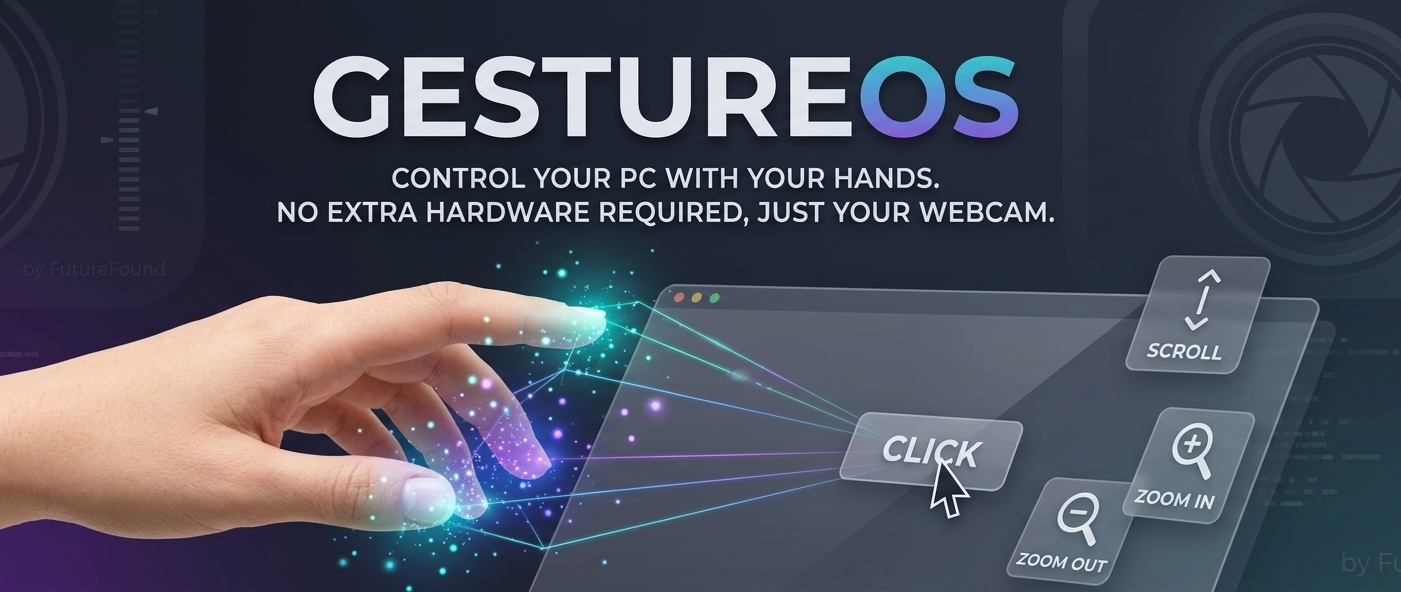
GestureOS is a lightweight, intuitive utility that turns your webcam into a gesture-controlled mouse. Designed for efficiency and accessibility, it allows you to navigate your desktop using simple natural hand movements.
Features
- Movement: Move your index finger to control the cursor with precision.
- Click: Pinch your thumb and index finger together to click.
- Scroll: "Hang Loose" gesture (Thumb + Pinky extended) to scroll up and down.
- Zoom: Use two hands to zoom in or out.
How to Use
- Ensure your webcam is connected and unobstructed.
- Launch
GestureOS.exe. - If the tracking is too sensitive, ensure you are in a well-lit environment.
Safety & Privacy
This application uses pyautogui for mouse control. To stop the program instantly, move your hand to the edge of the frame or close the application window. No personal data is stored or transmitted by this software.
Download
Install instructions
How to Run:
- Download the exe file and extract the contents to a folder on your computer.
- Open the folder and double-click
GestureOS.exeto launch the application. - No installation is required. Ensure your webcam is connected before launching.